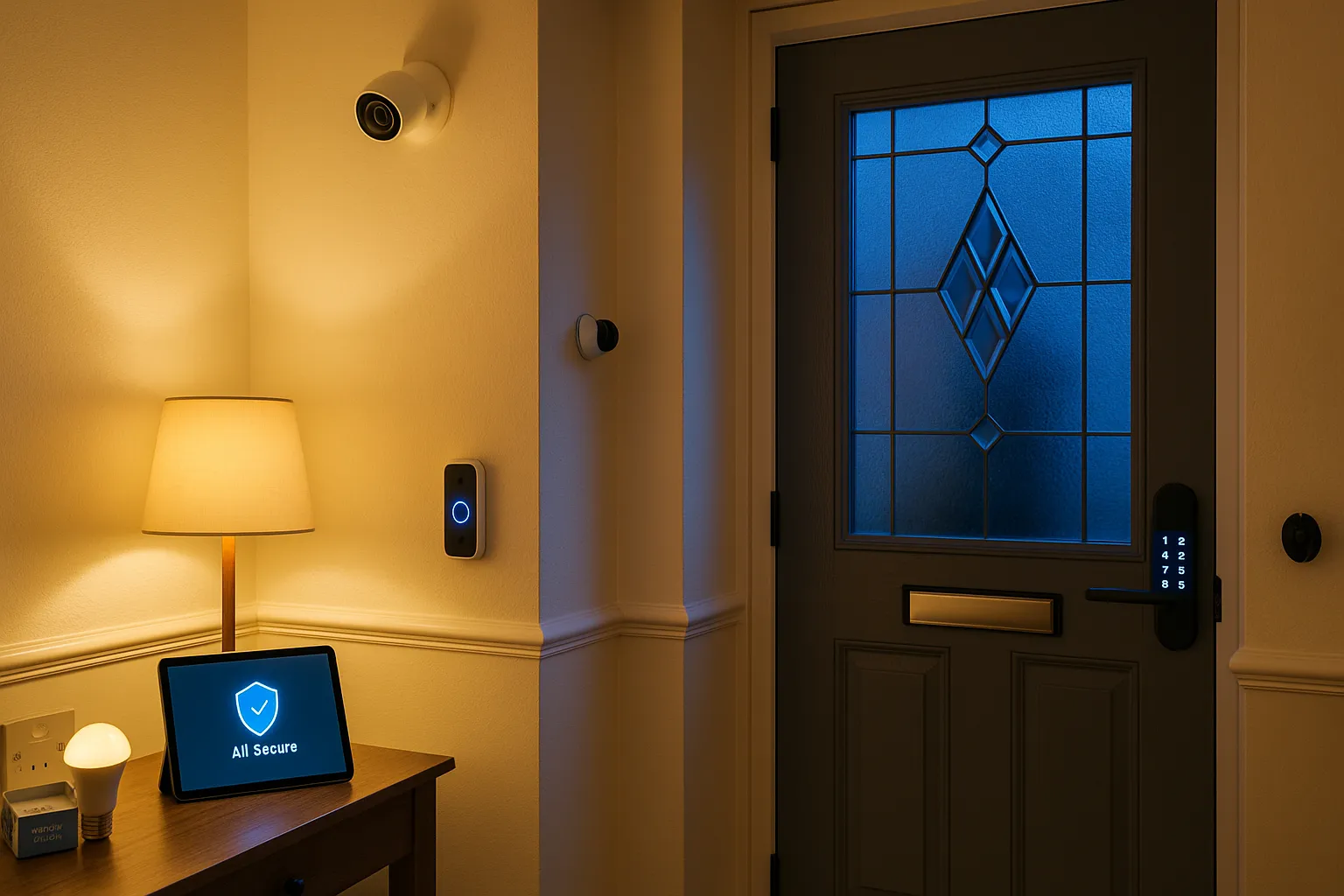
As our homes become increasingly connected, ensuring the security of our smart devices is paramount. This comprehensive guide will help you protect your smart home from cyber threats whilst maintaining the convenience you love.
Understanding Smart Home Security Risks
Before implementing security measures, it’s important to understand potential vulnerabilities:
Common Threats
- Unauthorised Access: Hackers gaining control of devices
- Data Breaches: Personal information exposure
- Device Hijacking: Devices used for malicious purposes
- Privacy Invasion: Cameras or microphones being accessed
Why UK Homes Are Targets
- Increasing adoption of smart devices
- Valuable personal and financial data
- Often inadequate default security settings
- Limited security awareness among users
Building a Secure Foundation
1. Secure Your Network
Your home network is the backbone of smart home security:
Router Security
- Change Default Credentials: Never use factory passwords
- Enable WPA3 Encryption: Latest security standard
- Regular Firmware Updates: Keep security patches current
- Disable WPS: Prevents easy unauthorised access
Network Segmentation
Create separate networks for:
- Personal devices (phones, computers)
- Smart home devices
- Guest access
- Work-from-home equipment
2. Strong Authentication Practices
Password Management
- Use unique, complex passwords for each device
- Implement a password manager
- Enable two-factor authentication wherever possible
- Regular password updates for critical devices
Biometric Security
Where available, use:
- Fingerprint recognition
- Facial recognition
- Voice authentication
- Multi-factor combinations
Device-Specific Security Measures
Smart Cameras
- Position carefully to respect privacy
- Use local storage when possible
- Enable motion zones to limit recording
- Regularly review access logs
Smart Locks
- Choose certified, reputable brands
- Maintain physical key backup
- Regular battery checks
- Audit access codes periodically
Voice Assistants
- Review voice history regularly
- Use voice recognition features
- Mute when not needed
- Understand data retention policies
Smart Thermostats
- Protect location data
- Secure scheduling information
- Use vacation modes carefully
- Monitor unusual access patterns
Best Practices for Ongoing Security
Regular Maintenance
-
Monthly Tasks:
- Review device access logs
- Check for firmware updates
- Verify all devices are recognised
-
Quarterly Tasks:
- Password updates for critical systems
- Security setting reviews
- Network performance checks
-
Annual Tasks:
- Complete security audit
- Router replacement consideration
- Expert security consultation
Firmware and Software Updates
Keep everything current:
- Enable automatic updates where safe
- Schedule manual updates monthly
- Research updates before applying
- Maintain update logs
Privacy Protection Strategies
Data Minimisation
- Disable unnecessary features
- Limit data collection settings
- Use local processing when possible
- Regular data deletion
Third-Party Access
- Review connected services
- Revoke unnecessary permissions
- Understand data sharing policies
- Use privacy-focused alternatives
Creating a Security-First Culture
Family Education
- Teach all household members about security
- Create simple security guidelines
- Regular family security reviews
- Age-appropriate device access
Guest Protocols
- Separate guest networks
- Temporary access codes
- Clear usage guidelines
- Post-visit security checks
Responding to Security Incidents
Immediate Actions
- Isolate affected devices
- Change all related passwords
- Check for unauthorised access
- Document the incident
Recovery Steps
- Factory reset compromised devices
- Restore from secure backups
- Implement additional security measures
- Monitor for recurring issues
Expert Security Guidance
When to Seek Expert Help
- Initial smart home setup
- After security incidents
- Annual security audits
- Major system expansions
What Expert Guidance Provides
- Comprehensive vulnerability assessments
- Enterprise-grade security implementations
- Ongoing monitoring services
- Incident response support
UK-Specific Considerations
Legal Requirements
- GDPR compliance for data handling
- Insurance policy requirements
- Building regulation compliance
- Neighbourhood watch integration
Available Resources
- National Cyber Security Centre guidance
- Local police cyber crime units
- Industry certification schemes
- Consumer protection services
Future-Proofing Your Security
As technology evolves, so do security threats:
Emerging Technologies
- Quantum-resistant encryption
- AI-powered threat detection
- Blockchain device authentication
- Zero-trust architectures
Staying Informed
- Subscribe to security bulletins
- Join smart home communities
- Attend security workshops
- Follow industry developments
Conclusion
Securing your smart home doesn’t mean sacrificing convenience. By implementing these measures systematically, you can enjoy all the benefits of home automation with confidence. Remember, security is not a one-time setup but an ongoing commitment to protecting your digital home.
At Croft Smart Homes, we specialise in providing secure, sophisticated smart home products. Contact us for expert advice on securing your smart home and enjoy peace of mind with your connected home.