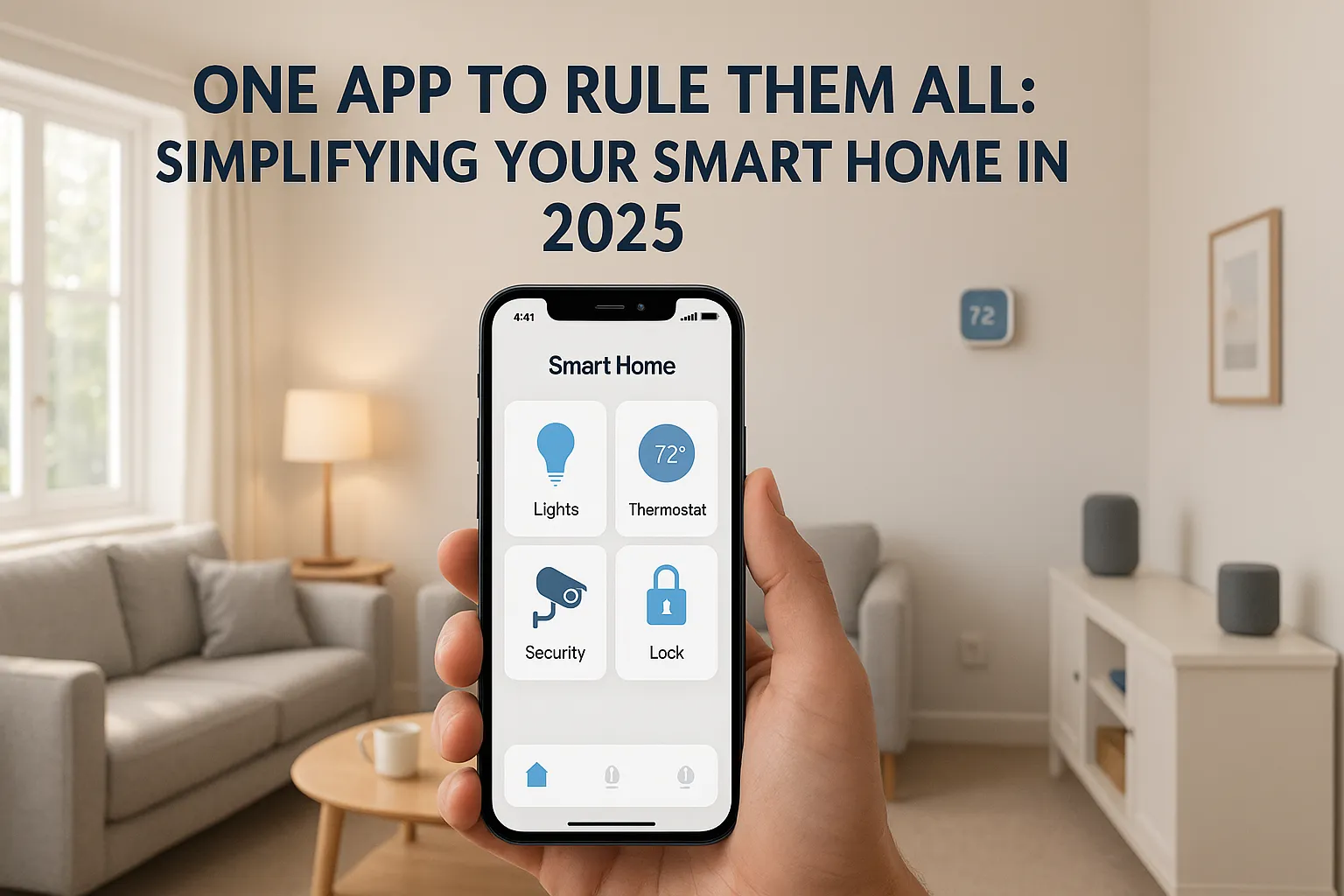
Remember when smartphones were supposed to make life simpler? Fast forward to 2025, and the average UK smart home owner has 15 different apps just to control their house. There’s a better way - and we’re going to show you exactly how to achieve it.
The App Chaos Problem
Picture this familiar scenario:
- Philips Hue app for your lights
- Ring app for your doorbell
- Nest app for your thermostat
- Samsung SmartThings for some devices
- Alexa app for voice control
- Three different camera apps
- Two smart plug apps
- That obscure Chinese app for your robot vacuum
Sound familiar? You’re not alone. 73% of UK smart home users cite “too many apps” as their biggest frustration.
The One-App Solution: How It Works
The secret lies in choosing compatible devices and the right ecosystem. Here’s your complete guide to consolidating control.
Understanding Ecosystems
Think of an ecosystem as the “brain” that connects all your devices. The main players in 2025:
Amazon Alexa
- Works with 100,000+ devices
- Best for: Budget-conscious buyers
- Strengths: Widest compatibility, voice control
Google Home
- Works with 50,000+ devices
- Best for: Android users
- Strengths: Smart displays, routines
Apple HomeKit
- Works with 1,000+ devices
- Best for: iPhone users
- Strengths: Privacy, reliability
SmartThings
- Works with most major brands
- Best for: Power users
- Strengths: Advanced automations
The Magic of Compatibility
Here’s the game-changer: many devices work with multiple ecosystems. A TP-Link smart plug might work with Alexa, Google, AND SmartThings. One device, three ways to control it - but you only need one.
Building Your One-App Smart Home
Step 1: Choose Your Main Ecosystem
Consider:
- What phone do you use? (iPhone → HomeKit, Android → Google)
- What devices do you already own?
- What’s your budget? (Alexa-compatible devices are often cheapest)
- How technical are you? (HomeKit is simplest, SmartThings most complex)
Step 2: The Universal Remote Approach
Instead of replacing everything, use a hub app that controls multiple ecosystems:
Best Universal Apps for UK Users:
-
Home Assistant (Free, requires setup)
- Controls literally everything
- Runs on a Raspberry Pi or old computer
- Steep learning curve, infinite possibilities
-
Hubitat (£120 hub)
- Works with Zigbee, Z-Wave, WiFi devices
- No cloud dependency
- Great for privacy-conscious users
-
Alexa or Google Home (Free)
- Already on your phone
- Works with most popular brands
- Simple to set up
Step 3: Device Selection Strategy
When buying new devices, look for these magic words:
- “Works with Alexa”
- “Works with Google”
- “Works with Apple HomeKit”
- “Works with SmartThings”
The more ecosystems supported, the more flexibility you have.
Real-World Example: Setting Up One-App Control
Let’s walk through setting up a typical UK home with Alexa as the main app:
Living Room
- Philips Hue Bulbs: Add to Alexa via Hue Bridge
- Samsung TV: Enable Alexa skill
- Smart Plugs: Buy Alexa-compatible ones
- Thermostat: Choose Alexa-compatible model
Kitchen
- Smart Switches: TP-Link Kasa (Alexa built-in)
- Robot Vacuum: Most now have Alexa skills
- Smart Speakers: Echo devices for voice control
Bedroom
- Smart Blinds: IKEA smart blinds work with Alexa
- Air Purifier: Many have Alexa integration
- Wake-up Light: Philips models with Alexa
Security
- Video Doorbell: Ring (owned by Amazon)
- Cameras: Blink or Ring for native integration
- Smart Lock: August or Yale with Alexa
Total apps needed: 1 (Alexa app)
Creating Powerful Automations
With everything in one app, you can create automations impossible with separate apps:
“Good Morning” Routine
- Blinds open
- Lights brighten gradually
- Heating increases
- Coffee maker starts
- Morning news plays
”Leaving Home” Routine
- All lights off
- Doors lock
- Cameras activate
- Thermostat to eco mode
- Robot vacuum starts
”Movie Time” Routine
- TV turns on
- Lights dim to 20%
- Blinds close
- Phone on silent
- Doorbell quieter
Troubleshooting Common Issues
”My device won’t connect”
- Check it’s on the same WiFi network
- Update the device firmware
- Remove and re-add to your ecosystem
- Check if you need a hub (Zigbee/Z-Wave devices)
“Some features are missing”
Not all features transfer to ecosystem apps. You might need the original app for:
- Initial setup
- Firmware updates
- Advanced settings
Keep original apps installed but hidden - use them only when needed.
”It’s not as responsive”
Direct app control is sometimes faster. For critical devices (door locks), you might prefer the native app.
Advanced Tips for Power Users
Voice Control Everything
With one ecosystem, voice commands become powerful:
- “Alexa, good night” (runs entire routine)
- “Hey Google, I’m cold” (adjusts heating)
- “Siri, movie time” (sets the scene)
Location-Based Automation
- Heating turns on when you’re 10 minutes from home
- Lights turn off when everyone leaves
- Security activates automatically
Cross-Device Triggers
- Doorbell pressed → Living room TV shows camera
- Smoke alarm triggered → All lights turn on
- Motion detected → Specific lights activate
The Money-Saving Bonus
Consolidating control doesn’t just save time - it saves money:
- Spot energy waste easier
- Schedule everything efficiently
- Avoid buying duplicate devices
- Take advantage of ecosystem deals
Privacy and Security Considerations
Cloud vs Local Control
- Cloud (Alexa, Google): Convenient but requires internet
- Local (Hubitat, Home Assistant): Works without internet
Data Protection
- Read privacy policies
- Use strong passwords
- Enable two-factor authentication
- Regularly review connected devices
Your Action Plan
This Week
- Audit your current apps
- Choose your main ecosystem
- Check device compatibility
Next Week
- Start consolidating compatible devices
- Set up basic routines
- Hide unused apps
This Month
- Replace incompatible devices gradually
- Create advanced automations
- Enjoy your simplified life
The Future is Unified
Matter, the new smart home standard, promises even better integration. By 2026, virtually all devices will work together seamlessly. But you don’t need to wait - you can have one-app control today.
Start Your Simplification Journey
Stop letting technology complicate your life. One app, total control, pure simplicity.
Remember: The best smart home is the one you actually use. By simplifying control to one app, you’ll finally unlock the convenience smart homes promise.